Google Business Profile Photos (2026): The Local SEO + Trust System Restaurants Need
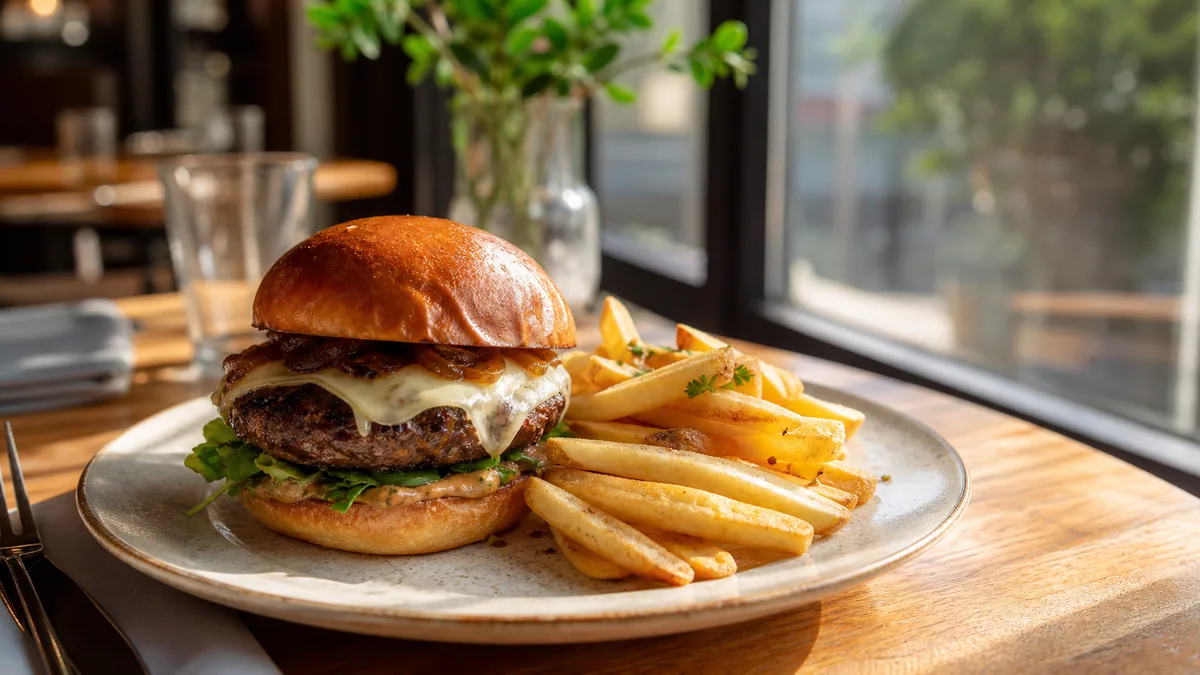
For most restaurants in 2026, Google Business Profile photos are the storefront. A customer searches "best ramen near me," opens Maps, compares photos in the map pack, and decides in seconds whether your food looks worth the price and whether the place looks real and active. This is a practical playbook for what to upload, how often to refresh, what gets rejected, and how to build a repeatable system that keeps your Maps presence current without a full photoshoot every time a dish changes.
The shift to understand: "real and fresh" now beats "rare and perfect." A single gorgeous photo from two years ago does less for you than a steady stream of accurate, current images.
Why photos drive local SEO and conversions
Photos rarely rank a listing by themselves, but they decide whether searchers click and choose you, and those engagement signals (clicks, calls, direction requests) are exactly what feeds local ranking. A complete, fresh, honest photo set does three jobs at once:
- Builds trust: the place looks real, busy, and worth visiting.
- Sets expectations: the dish you receive matches the photo.
- Wins the comparison: your tile looks more appetizing than the listing next to it.
What’s changing in 2026
You do not need to predict every Google update. You need a profile that is obviously trustworthy.
Freshness is a conversion advantage
Restaurants with outdated photos look inactive even when they are slammed. Customers are silently asking: Is this what it looks like right now? Will I recognize the place? Will the dish match? Recent photos answer all three.
Trust is under more scrutiny
Diners have been burned by glamour shots that do not match reality. Photos that obviously match the real dish convert better than over-edited ones. Honest enhancement (fixing light and color without faking the food) is the safe lane.
One photo system feeds every channel
The restaurants that look great everywhere build one photo system and reuse it for Maps, delivery apps, their website menu, and social. Shoot once, enhance once, export to every destination.
The complete photo set (don’t just upload food)
A common mistake is uploading only plated dishes. Google’s photo categories and customer trust both reward a fuller picture:
| Photo type | Why it matters |
|---|---|
| Cover & logo | First impression in search and Maps |
| Exterior | Helps customers find and recognize you |
| Interior | Communicates vibe, cleanliness, seating |
| Top menu items | The dishes that drive the decision |
| Team / kitchen | Humanizes the brand, builds trust |
| Packaging / delivery | Proof for takeout and delivery customers |
Lead with your highest-margin, best-selling dishes in the food category. Those are the photos doing the selling.
What gets rejected or quietly hurts you
Avoid these, because Google may remove them and customers distrust them:
- Heavy text overlays, promo banners, and watermarks.
- Stock photography and images that are not your actual food or location.
- Blurry, dark, or yellow-cast uploads.
- Unrealistic edits where the plate does not match what you serve.
The rule: enhance, never fabricate. Make the real dish look its best; do not invent a dish that does not exist.
Fix lighting and color without a reshoot
Most restaurant phone photos fail for the same reasons: warm tungsten color casts, uneven exposure, and cluttered backgrounds. You do not need to reshoot. Upload your real phone photo to FoodPhoto.ai and it corrects lighting, color, gloss, and crop while keeping the food exactly as it is. That is how you turn a quick lunch-rush snapshot into a Maps-ready image without slowing the kitchen.
Try it on your weakest current Maps photo in the Menu Test Pack and compare the before and after.
A simple, repeatable cadence
The system that keeps a profile looking alive is small and weekly, not a big quarterly project.
- Weekly micro-update: add one or two fresh photos. A new special, a busy Friday, a seasonal plate.
- Enhance and export: run new shots through a quick enhancement pass and export the right sizes for Maps, delivery, and social in one go.
- Monthly audit: review which photos get the most views, swap out anything dated, and confirm the complete set is still covered.
Because the same enhanced master feeds delivery apps too, this cadence doubles as your delivery-photo refresh. Our delivery app photo optimization guide covers the export side, and the food truck workflow shows how to run the same sprint with almost no space.
Make your cover photo earn its place
Your cover photo is the one image most searchers see first, so treat it as prime real estate. Choose a single dish that is unmistakably appetizing, clear at small size, and representative of what you are known for. Avoid collages, text overlays, and busy interior shots for the cover; a clean hero plate almost always outperforms them. Revisit the cover seasonally so it never looks dated.
Encourage and manage customer photos
Customer-uploaded photos are powerful trust signals, but they are also unpredictable: dim, off-angle, or unflattering shots can sit at the top of your profile. You cannot remove most customer photos, but you can dilute weak ones by consistently uploading your own strong, fresh images, which pushes the overall impression in the right direction. A profile full of bright, accurate owner photos sets the bar, and customers’ phone shots tend to look better next to a clean baseline than next to nothing.
A quick monthly audit
Once a month, spend ten minutes reviewing your profile as a customer would:
- Open your listing on a phone and look at the cover and the first row of photos.
- Check that the complete set (exterior, interior, food, team, packaging) is still represented.
- Confirm your top dishes have current, accurate photos.
- Swap out anything that looks dated, dim, or off-brand.
- Add one or two fresh images from the past few weeks.
This ten-minute habit is what keeps a profile looking alive, and it is far less work than letting it go stale and rebuilding from scratch.
Upload to the right category every time
Google sorts your photos into categories — cover, logo, exterior, interior, food and drink, at work, team — and where an image lands affects where it surfaces. A great plate dumped into "interior" does less work than the same plate in "food and drink." When you add photos, take the extra few seconds to confirm each one is in the category that matches what it shows. Two habits pay off here: upload your strongest food shots first so they anchor the food carousel, and avoid uploading the same image to multiple categories, which makes the profile feel padded rather than complete. A tidy, correctly sorted gallery reads as a business that pays attention.
Match your menu photos to the rest of your channels
A Google profile rarely lives alone. The same dish a searcher sees on Maps is one they will also meet on DoorDash, your website menu, and Instagram — and mismatches between those surfaces quietly erode trust. The fix is the shoot-once, enhance-once approach: build one consistent master image per dish and export it everywhere. If your Maps food photos already match your delivery thumbnails and your social feed, a customer who discovers you on one channel recognizes you instantly on the next. For the social side of that same system, see our Instagram food photography playbook, and for the full kitchen workflow that produces these masters, the restaurant menu photography guide.
Keep your food accurate
The fastest way to damage a Google profile is photos that oversell. A dish that looks bigger or shinier than reality leads to disappointed diners and one-star reviews mentioning the photos directly. Accurate, fresh, well-lit images are the most durable local-SEO asset you own.
Build the complete set, enhance honestly, and refresh on a weekly rhythm. When you want a fast, consistent way to clean up phone photos for Maps, see our simple credit-based pricing and standardize your whole profile in an afternoon.
Turn this strategy into menu-ready photos
FoodPhoto.ai helps restaurants enhance real dish photos for delivery apps, websites, ads, and local search while keeping the food accurate to what guests receive.
See pricing or open the FoodPhoto.ai Studio.
Frequently asked questions
How many photos should a restaurant have on Google Business Profile?
Aim for a complete set rather than a single number: a clear cover, several exterior and interior shots, your top menu items, a team or kitchen photo, and packaging or delivery proof if you do takeout. Then keep adding a few fresh photos every month so the profile looks active.
How often should I update Google Business Profile photos?
Run a light weekly micro-update and a monthly audit. Add one or two fresh photos each week (a special, a new dish, a busy night) and once a month review your best-performing images and swap out anything dated. Freshness signals an active, trustworthy business.
What kind of restaurant photos get rejected or hurt trust on Google?
Heavy text overlays, logos, watermarks, stock photos, blurry uploads, and unrealistic edits that do not match the real dish. Google may remove promotional or low-quality images, and customers lose trust when the plate they receive does not match the photo.
Do Google Business Profile photos actually affect local SEO?
Photos do not rank you alone, but they strongly influence whether searchers click and choose you in the map pack, which drives the engagement signals that matter. A complete, fresh, accurate photo set improves clicks, calls, and direction requests.