Skip to content
FoodPhoto.ai Open Studio

Pricing

Credits for premium AI food photos.

Premium menu-ready food photos from your phone snaps. Start with a $10 Menu Test Pack (10 credits, no subscription) or go monthly from $15/month — push plan: Growth at $30/mo for 150 credits. Credits never expire while active.

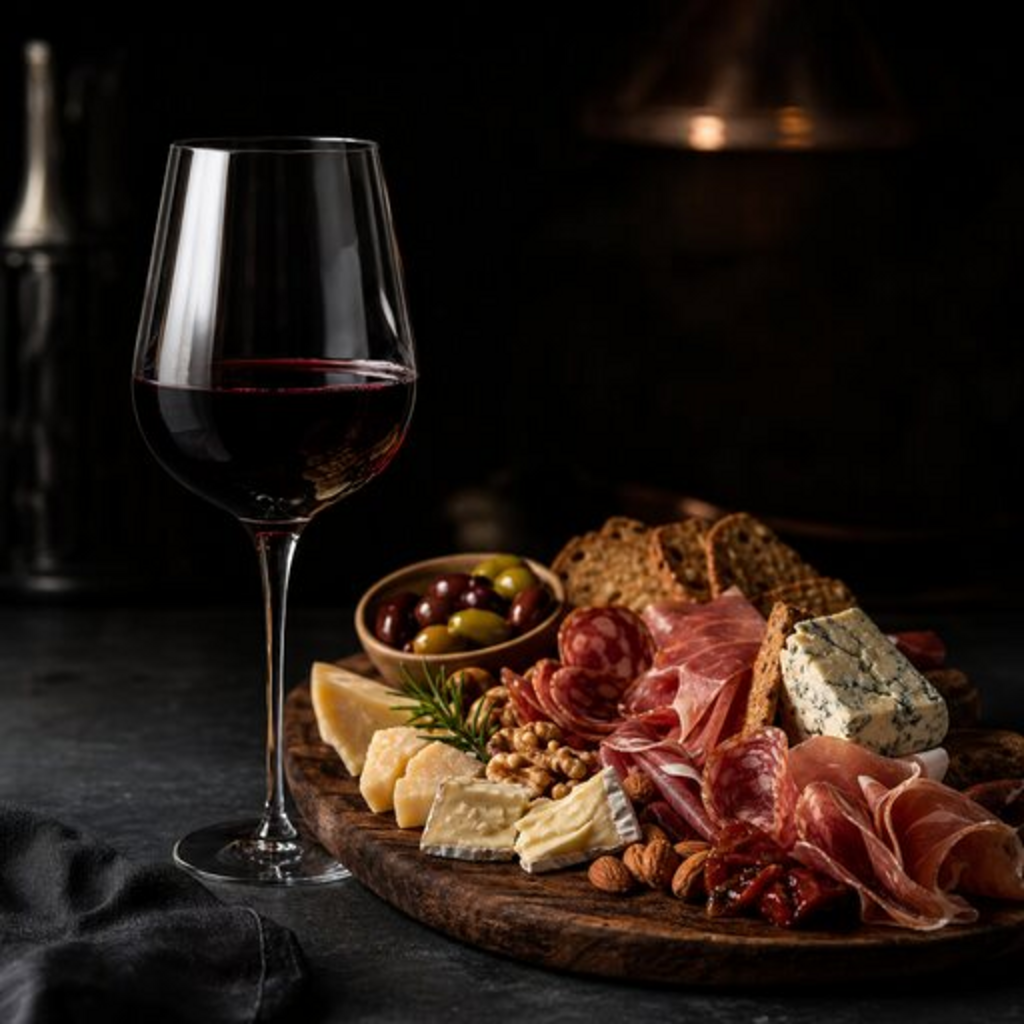
Premium steak menu photo created for FoodPhoto.ai

Plans

Choose the plan that fits your needs.

Starter

$15 /mo $10.00 /mo

50 credits/mo

$120 billed annually · Save $60/yr

For a small restaurant or café getting started with menu-ready photos.

  • 50 AI photo credits / month
  • All 160+ photo styles & backgrounds
  • Marketing Studio · 29 promo presets
  • Delivery, web & social exports
  • Ingredient-faithful enhancement
  • No watermarks · commercial menu usage
  • Cancel anytime
Subscribe

Pro

$60 /mo $41.67 /mo

500 credits/mo

$500 billed annually · Save $220/yr

Full menu, delivery apps and social — at scale.

  • 500 AI photo credits / month
  • All 160+ photo styles & backgrounds
  • Marketing Studio · 29 promo presets
  • Delivery, web & social exports
  • Ingredient-faithful enhancement
  • No watermarks · commercial menu usage
  • Cancel anytime
Subscribe

Studio

$120 /mo $83.33 /mo

1500 credits/mo

$1000 billed annually · Save $440/yr

For agencies, chains and ghost kitchens running brand workflows.

  • 1,500 AI photo credits / month
  • All 160+ photo styles & backgrounds
  • Marketing Studio · 29 promo presets
  • Delivery, web & social exports
  • Ingredient-faithful enhancement
  • No watermarks · commercial menu usage
  • Cancel anytime
Subscribe

One-time credit top-ups

No subscription required. Credits never expire while your account is active.

Menu Test Pack

10 credits

$10

50 Credits

50 credits

$25

150 Credits

150 credits

$60

500 Credits

500 credits

$150

Credit-back if it misses

If a generated photo doesn’t come out usable, the credit goes back to your balance — you only spend credits on results you keep.

You own full commercial rights

Every image is yours to use on menus, delivery apps, ads, and social — full commercial usage, no watermarks, no extra licensing fee.

Start for $10, no subscription

The one-time $10 Menu Test Pack gives you 10 credits to try the full studio — no monthly plan required.

Cancel anytime

Monthly and yearly plans can be cancelled whenever you want — no contract, no cancellation fee, and your remaining credits stay active.

Made in the USA — FoodPhoto.ai is operated by CodeAustral LLC, a US company registered in Sheridan, Wyoming.

Included with every paid plan.

AI relighting and color correction
Black, marble, wood, and studio backgrounds
DoorDash, Uber Eats, Google, web, and social exports
No FoodPhoto.ai watermarks
Ingredient-faithful enhancement
Commercial menu usage
Credit-gated generation
Cancel anytime

Pricing FAQ

Straight answers before you pay.

How does FoodPhoto.ai pricing work?

FoodPhoto.ai uses paid credits and plans for finished image generation. Restaurants can buy a one-time Menu Test Pack ($10 for 10 credits) or subscribe monthly — Starter $15/mo, Growth $30/mo, Pro $60/mo, or Studio $120/mo — for ongoing menu refreshes. Every plan unlocks the full studio and all presets; only the monthly credits differ.

Do FoodPhoto.ai credits create watermarked images?

No. Paid outputs are generated for commercial restaurant use without a FoodPhoto.ai watermark, at full resolution and ready to publish.

Can restaurants use FoodPhoto.ai without a studio photoshoot?

Yes. The normal workflow starts from a clear phone photo of the real dish and uses AI to improve lighting, background, color, and crop for menus and delivery apps — no photographer or shoot day required.

What platforms can the finished images support?

Finished images can be used on delivery apps, restaurant websites, Google Business Profile, ads, QR menus, printed menus, and social campaigns after the restaurant reviews them for accuracy.

Studio first

Choose a dish, not a design package.

The fastest way to understand pricing is to open the Studio, upload one real dish, and see the exact workflow before generation.

Open Studio