Food Photography Equipment You Don’t Need (What Actually Matters Instead)
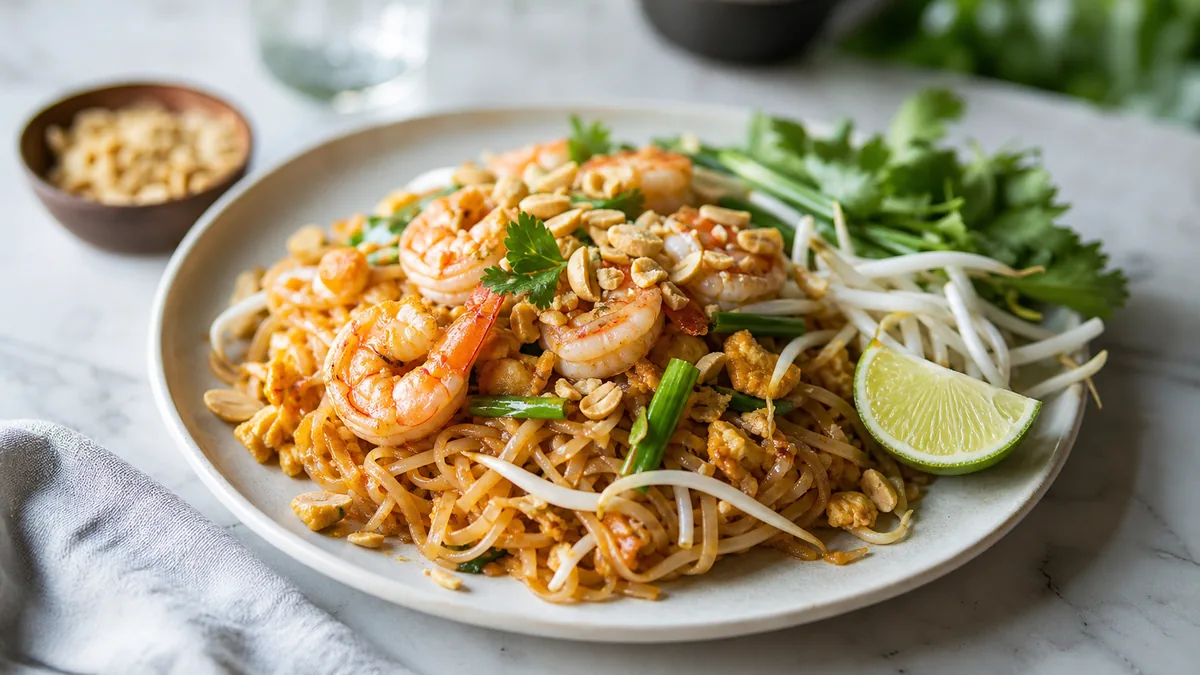
The fastest way to waste money on food photography equipment is to buy gear that's supposed to "fix" a problem that light, framing, and a clean surface already solve. For restaurants, the winning kit is small and boring — and the real upgrade isn't a camera at all. Here's what to skip, what to actually buy, and where to put your effort instead.
The core principle
For menu photos, consistency beats camera specs. Customers see your dishes at thumbnail size on a delivery app or Google Maps. At that scale, the difference between a phone and a $3,000 camera body is invisible — but the difference between good light and bad light is obvious. So the goal isn't the best gear; it's a repeatable setup that produces the same clean look every time.
Skip these purchases (for most restaurants)
Expensive camera bodies
If your photos end up on Uber Eats, DoorDash, and Instagram, the biggest wins come from light, framing, and cleanliness — not the newest sensor. A modern phone already shoots more resolution than a menu tile or web gallery will ever use. Spend the money elsewhere.
Complicated flash setups
Flash can look stunning in a pro's hands, but it adds real complexity: positioning, power, color, modifiers. For a restaurant team shooting between prep and service, that's friction. Continuous light or window light is easier, more forgiving, and far more consistent across many dishes.
A backdrop for every style
It's tempting to buy ten surfaces. Don't. A pile of mismatched backdrops makes your menu look like ten different restaurants. Pick one or two backgrounds that match your brand and use them consistently.
Macro lenses, sliders, and gadgets
Lens kits, motorized sliders, and specialty rigs are for content creators, not menu operators. They slow you down and rarely change what a customer sees at tile size.
Buy these instead (the minimal kit)
Here's the entire list that covers the vast majority of restaurant menu work:
| Item | Why it earns its place |
|---|---|
| A phone with a 12MP+ camera | Plenty of resolution; you already own it |
| A window or one continuous light | Soft, consistent light is the #1 quality lever |
| White foam-board reflector | Fills shadows for a few dollars |
| One or two neutral surfaces | A consistent, on-brand background |
| A phone clamp / small tripod | Repeatable overhead and angle consistency |
That's it. A phone plus a repeatable station beats random expensive gear every time. For the full do-it-yourself routine that uses this kit, see our guide on restaurant menu photos without a photographer.
Build a station, not a gear pile
The thing that actually improves your photos isn't an item on a shelf — it's a small, fixed setup you can return to. Pick a spot near your best soft-light window, keep the reflector and one background there, and use the same clamp position. When the station is always ready, you'll actually shoot every week instead of "someday."
A few habits make the station pay off:
- Shoot at the same time of day for consistent light.
- Keep the surface clean between dishes — crumbs and smears read as low quality.
- Frame the same way for similar dishes so the menu feels uniform.
The real upgrade: enhancement, not gear
Once a photo is clean and consistently lit, the remaining gap to a "studio" look is color, gloss, and crop — and that's exactly the part you can hand off without buying anything.
FoodPhoto.ai takes a real phone photo of your real dish and corrects lighting, background, color, gloss, and crop without changing the food. It's honest enhancement, not text-to-image fabrication, so the dish in the photo is the dish on the plate. At a few cents per finished image versus $20–$80 for a studio shot, it's where your budget does the most work. Run one of your current photos through the paid Menu Test Pack and compare.
This is also what makes the cheap kit competitive: you bring real food and decent light, and the enhancement step handles the polish that used to require expensive equipment.
Where the money should actually go
If you have a small budget for food photos, here's the priority order:
- Light — improve your window setup or add one continuous light.
- A reflector and one clean surface — a few dollars, big impact.
- A repeatable station — so you shoot consistently.
- An enhancement and export workflow — the per-image polish and the crops each channel needs.
Notice that "a better camera" isn't on the list. For menu photography, it rarely should be.
Gear myths that cost restaurants money
A few persistent beliefs send operators shopping for the wrong things:
- "I need a better camera to compete with chains." No — the chains win on consistency and lighting, both of which you can match with a phone and a station.
- "More expensive backdrops look more professional." They look busier. One or two brand-aligned surfaces look more professional than ten.
- "A ring light fixes everything." Ring lights create flat, frontal light and obvious circular reflections in glossy food. Soft side light almost always looks better.
- "I should shoot RAW on a big sensor for quality." For a menu tile that renders a few hundred pixels wide, that quality is invisible — and the extra workflow slows you down.
- "Props make food look upscale." Over-styling makes food look staged and erodes trust when the real plate doesn't match.
Spending more rarely fixes a photo problem; better light and a cleaner frame almost always do.
What a complete budget setup actually costs
You can assemble the entire recommended kit for very little, because you already own the expensive part — the phone:
- Phone: $0 (already owned).
- Soft light: $0 if you use a window; a single continuous light is inexpensive if you need one.
- White foam-board reflector: a few dollars at any craft store.
- One or two neutral surfaces: a board, a slate, or matte paper — inexpensive.
- Phone clamp/tripod: modest one-time cost.
Compare that to a single studio shoot at $20–$80 per finished image, and the math is obvious: the minimal kit pays for itself on the first batch.
The takeaway
Most food photography equipment is a distraction from the two things that matter: soft light and a clean, consistent frame. Buy the minimal kit, build a station you'll actually use, and put your real upgrade into enhancement and exports. For the channel-specific side, our Uber Eats photo requirements guide covers how to export so your photos survive the thumbnail crop.
Try it on one of your dishes with the Menu Test Pack, and when you're ready to skip the gear and get menu-ready photos, pricing starts at $10 for a 5-photo Menu Test Pack with plans from $15/month.
Frequently asked questions
What food photography equipment do restaurants actually need?
Very little: a modern phone, soft light from a window or one continuous light, a white foam-board reflector, one or two neutral backgrounds, and a phone clamp for overhead shots. That kit produces consistent menu photos. The bigger upgrade is a repeatable station and an enhancement step, not a more expensive camera.
Do I need a DSLR for restaurant menu photos?
No. For photos that end up on delivery apps, Google, and social, light, framing, and cleanliness matter far more than the camera body. A current phone shoots more than enough resolution for menu tiles and web galleries.
Should I buy a flash for food photography?
For most restaurant teams, no. Flash adds complexity and is easy to get wrong. Soft window light or a single continuous light is simpler, more forgiving, and gives you a consistent look across many dishes.
What's the cheapest way to improve restaurant food photos?
Fix the light first — shoot near a window with a white reflector — then run each photo through an enhancement step that corrects color, gloss, and crop without changing the food. That combination closes most of the gap with a studio for a few cents per image.
Create consistent menu photos with FoodPhoto.ai