Delivery App Photo Guidelines and Image Sizes in 2026 (Uber Eats, DoorDash, Deliveroo, Zomato, Talabat)
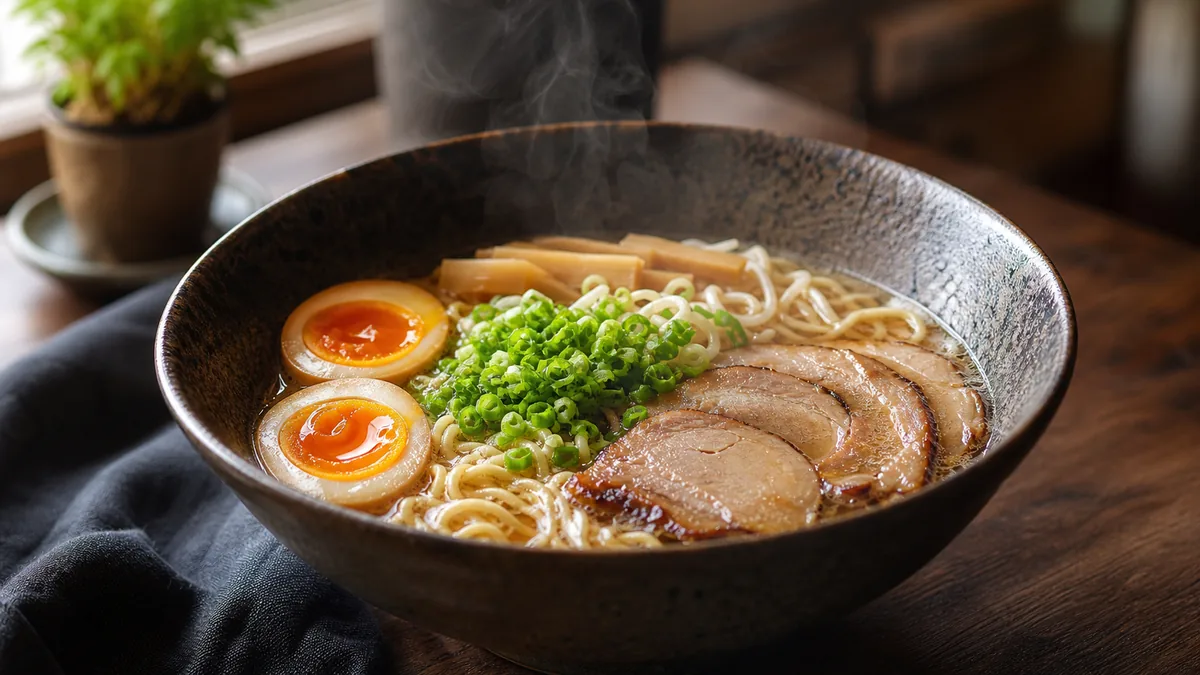
You shot a beautiful photo, uploaded it to Uber Eats, and the platform sliced the garnish clean off. This is the single most common delivery-photo mistake, and it has nothing to do with photography skill — it’s a crop problem. This guide explains the delivery app photo guidelines and image sizes that matter in 2026, how Uber Eats, DoorDash, Deliveroo, Zomato, and Talabat crop your photos, and how to shoot for the tile so your dish always survives.
What image size do delivery apps require?
Short answer: use the aspect ratio, resolution, format, and file-size cap for the specific platform. DoorDash lists 16:9 landscape at 1400x800px minimum, Uber Eats recommends 5:4 to 6:4, and other apps set their own crops. Always confirm against the current spec before a bulk upload. We keep per-platform pages current:
- Uber Eats photo specs
- DoorDash photo specs
- Deliveroo photo specs
- Zomato photo specs
- Talabat photo specs
- Browse the full delivery photo specs catalog
Why your photo gets cropped (the part nobody explains)
Every delivery app displays your image inside a fixed tile shape. The platform does not show your full frame — it shows a square or rectangle cut from it. If your image’s aspect ratio doesn’t match the tile, the platform center-crops to fit, and whatever sat near the edges disappears.
So the rule is simple and unglamorous: design for the crop, not for the full frame. A photo that looks perfect in your camera roll can look amputated in a menu tile. Keep the dish centered, leave margin on every side, and export at the platform’s aspect ratio so you control the crop instead of the algorithm.
The aspect-ratio cheat sheet
- 16:9 landscape is required by DoorDash’s current merchant guidance.
- 5:4 to 6:4 landscape is recommended by Uber Eats.
- 1:1 square or 4:3 still matters for platforms that explicitly require those crops.
- Avoid tall portrait (4:5, 9:16) for menu items unless a platform specifically asks for it — these get cropped hardest.
- Always keep margin. Center the dish with empty space around it so a crop never bites into the food.
Resolution and file size
Two failure modes here:
- Too small. A 600-pixel image looks soft and pixelated on a modern phone’s high-density screen. Aim for at least 1200 pixels on the shortest side; more is fine — the platform will downscale.
- Too large a file. Most platforms cap file size. Export as a quality-optimized JPG so you stay under the cap without visible compression artifacts.
The sweet spot for most platforms: a high-resolution JPG or PNG exported to the platform’s current crop, well under the file-size limit.
Guidelines beyond size: what platforms actually want
Dimensions are necessary but not sufficient. Across platforms, the recurring guidelines are:
- One dish per photo. Hero and menu-item images should show the single item, not a spread.
- Clean, uncluttered background. Props are fine; chaos is not. The food is the subject.
- Accurate representation. The photo must match what arrives. Platforms penalize misleading imagery, and customers punish it with refunds and reviews.
- Bright, even lighting. Dark, moody dinner aesthetics underperform on delivery rails where legibility wins.
- Distinct images per listing. Reusing one image across multiple brands or listings can trip image-similarity checks and weakens each brand. See our ghost kitchen photography playbook for the multi-brand version of this rule.
How to hit every spec from one phone photo
You do not need a separate shoot per platform. Shoot once, well, then export per platform:
- Shoot top-down and centered, filling the frame with margin to spare. Top-down is the most crop-resilient angle for delivery tiles.
- Enhance the photo so it reads at thumbnail size — bright, clean, legible. FoodPhoto.ai turns a real phone photo of your real dish into a menu-ready image in seconds by fixing lighting, color, gloss, and crop without changing the food. See our complete guide to AI food photography, or try it on the Menu Test Pack.
- Export per platform at the required aspect ratio and resolution from the per-platform spec pages above.
- Squint test. Open each export on a phone at arm’s length. If the dish isn’t identifiable in roughly 100 milliseconds, it will lose the scroll — re-crop or re-shoot.
For choosing a tool that exports the right crops automatically, see our best AI food photography tool for delivery apps buyer’s guide.
Platform-by-platform notes from the field
The specs differ, but each platform also has a personality worth knowing before you upload.
Uber Eats. The hero and menu-item images dominate the storefront, and the thumbnail rail is dense. Top-down, bright, single-dish images survive the crop best. Uber Eats lets you swap menu-item photos from the merchant dashboard, which makes sequential A/B testing practical — hold price and hours constant, run one hero for ten days, then the alternate. See the exact current dimensions on the Uber Eats specs page, and our Uber Eats photo requirements guide for the QA workflow.
DoorDash. DoorDash is explicit in its merchant guidance about professional, well-lit, single-item photos. Match the DoorDash spec and keep the dish centered; DoorDash crops are unforgiving on wide images.
Deliveroo. Common in the UK and several European and Gulf markets, Deliveroo leans on clean, appetizing hero imagery and a consistent menu grid. The Deliveroo spec carries the current numbers; square exports are the safe default.
Zomato. A high-volume platform in India and the Gulf with one of the most-searched image-size specs we track. Zomato’s menu and hero tiles reward bright, legible top-down shots; confirm dimensions on the Zomato spec before bulk uploads.
Talabat. Dominant across much of the Gulf. Talabat thumbnails are prominent and the rail is competitive, so legibility at small sizes is decisive. Match the Talabat spec and prioritize a clean, high-contrast hero.
If you sell on a platform not listed here, the full delivery photo specs catalog covers more platforms and countries. The same principles apply: match the platform crop, keep resolution high, center the dish, and stay under the file cap.
A 60-second pre-upload checklist
Before you publish any image to a delivery listing, run this:
- Aspect ratio matches the tile for that platform.
- At least 1200 pixels on the short side, and under the file-size cap.
- Dish centered with margin so the crop can’t bite into it.
- One dish, clean background, bright even light.
- Image is distinct from your other listings and brands.
- Squint test passed — identifiable in ~100ms at thumbnail size.
Bottom line
Delivery-app photo failures are almost always crop failures, not photography failures. Shoot top-down and centered with margin, export at each platform’s required dimensions, keep resolution high and file size under the cap, and run the squint test before you publish. Get the crop right and a single good phone photo can feed every platform you sell on.
Try it on one of your own dishes with the Menu Test Pack, and when you’re ready to feed every delivery app from one shoot, pricing starts at $10 for a 5-photo Menu Test Pack with plans from $15/month.
Enhance your real food photos in FoodPhoto.ai
FAQ
What image size do delivery apps require in 2026?
Delivery app photo specs vary by platform: DoorDash uses 16:9 landscape at 1400x800px minimum, Uber Eats recommends 5:4 to 6:4, and other apps set their own crops and file-size caps. Confirm the current spec before any bulk upload.
Why does Uber Eats or DoorDash crop my food photos?
Every app displays your image inside a fixed tile shape and center-crops to fit. If your photo’s aspect ratio doesn’t match the tile, whatever sits near the edges gets cut off. The fix is to shoot for the crop: center the dish, leave margin on all sides, and export at the platform’s aspect ratio.
What aspect ratio is safest for delivery app photos?
There is no universal safest crop. Shoot a clean master with the dish centered and extra margin, then export per platform: 16:9 for DoorDash, 5:4 to 6:4 for Uber Eats, and square or 4:3 where other apps require it.
Can I use one photo across Uber Eats, DoorDash, Zomato, and others?
Yes, if you shoot top-down and centered with margin to spare, then export the crop each platform requires. One good, crop-resilient phone photo can feed every delivery platform you sell on.
Related guides
- Every platform's photo rules and sizes
- Delivery app photo QA checklist
- DoorDash + Uber Eats requirements
Ready to upgrade your menu photos? Open the FoodPhoto.ai studio or see plans and pricing.