DoorDash + Uber Eats Photo Requirements (2026): Sizes, Crops, and a Zero-Rework Workflow
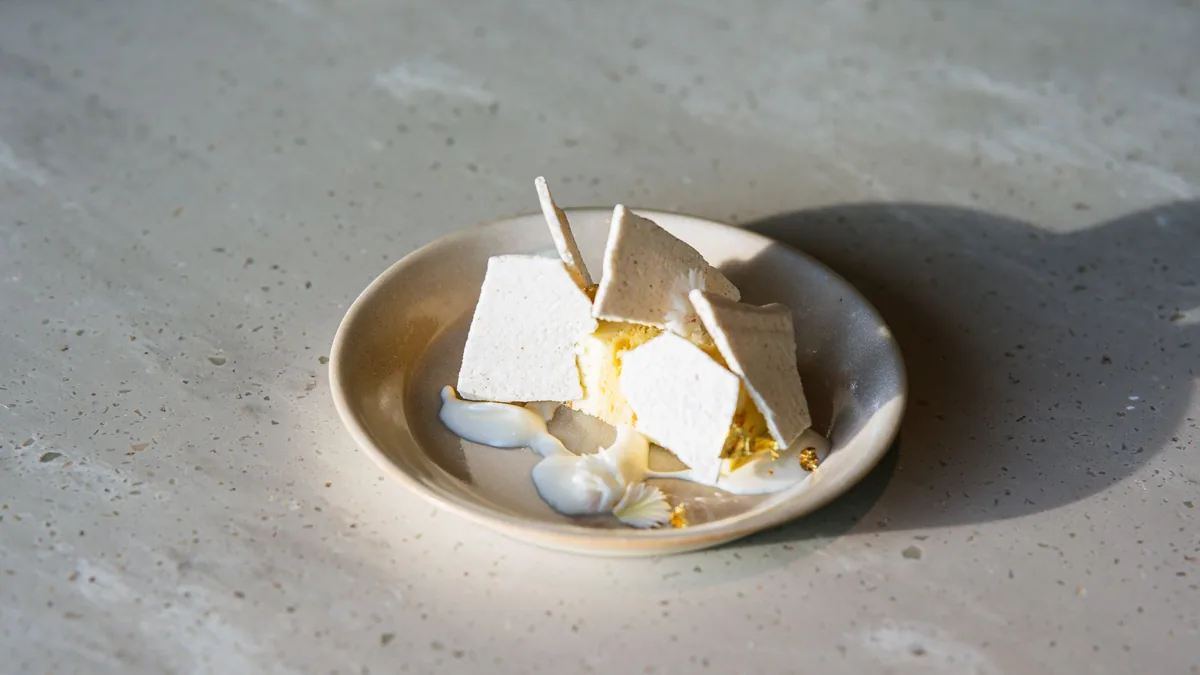
Delivery apps are thumbnail-first, which means your "perfect" photo can still lose if it crops badly, looks unclear at small size, or uploads soft and yellow. This guide covers the practical DoorDash and Uber Eats photo requirements for 2026: recommended sizes, crop-safe composition, the shot rules for different dish types, and a zero-rework workflow that exports both formats from a single source so you never redo a shoot per platform.
The single most useful idea up front: shoot a crop-safe master once, then export platform crops from it. Specs shift over time, but a clean high-res master always survives a layout change.
The real requirement: pass the thumbnail test
Before you upload any photo, run a five-second check:
- Open the image on your phone.
- Zoom out until it is roughly the size of a delivery-app tile.
- Ask: Can I tell what this is in one second?
If the answer is no, pick a better frame or reshoot. Clarity at thumbnail size beats everything else on DoorDash and Uber Eats.
Recommended sizes (and why not to memorize them)
Both platforms want high-resolution, well-lit, accurate photos. As a working baseline:
| Spec | Practical guidance |
|---|---|
| Resolution | Upload a high-res master, generally 1400 px wide or larger |
| Aspect | Keep the dish centered so square and rectangular crops both work |
| Format | Clean JPEG/PNG, sharp, no compression artifacts |
| Style | One consistent background, angle, and light across the menu |
Platforms adjust layouts and crop ratios over time, so do not hardcode one "perfect size." Instead: keep a clean master, export crops from it, and confirm the latest in-app requirement at upload. The workflow protects you from every future spec change.
Crop-safe framing rules
Treat the edges of your frame as disposable, because the app will crop them.
- Center the hero ingredient so it survives a square crop.
- Keep the full plate visible with margin on all sides.
- Leave breathing room around the dish.
- Never place key toppings near the border, or the crop removes them.
Shoot too tight and the thumbnail loses the bun, the rim, or the garnish. A little extra space is free insurance.
Shot rules by dish type
Different foods photograph best from different angles:
- Burgers, sandwiches, stacked food: shoot at a 30-45 degree angle to show height and layers.
- Bowls, pizzas, flat plates: shoot straight down (flat lay) so the whole dish reads clearly.
- Drinks and tall items: shoot near eye level to show the full glass and any garnish.
- Saucy or glossy dishes: use side light to catch the shine that signals freshness.
Pick one consistent angle per dish category so your menu looks like a single brand, not a scrapbook.
Lighting rules that matter on delivery apps
Delivery photos are viewed on phones in bright environments, so contrast and color matter.
Avoid: dim photos, heavy shadows, and yellow casts. Aim for: bright, even, true-to-life color where the food looks fresh and the background stays clean.
This is exactly where most restaurant phone shots fall short, and where a fast enhancement pass earns its keep. Upload your real photo to FoodPhoto.ai and it fixes lighting, neutralizes color casts, adds natural gloss, and cleans the background without changing the food. You get a bright, accurate, thumbnail-ready image from a quick kitchen snapshot. See it work in the Menu Test Pack.
The zero-rework export workflow
Here is the system that saves the most time:
- Shoot one crop-safe master per hero dish with margin around the food.
- Enhance once for clean light, color, and background.
- Export platform crops from that single master: a square for tiles, plus any rectangular sizes DoorDash or Uber Eats currently use, and a vertical for social.
- Upload and QA at thumbnail size before publishing.
Because everything comes from one enhanced master, a spec change is a re-export, not a reshoot. For the broader thumbnail-first strategy across every platform, see our delivery app photo optimization guide, and if you run a truck or tiny kitchen, the food truck workflow shows how to do all of this in minimal space.
Quick QA checklist before you publish
- Clear at thumbnail size? (passes the one-second test)
- Full plate visible with safe margins?
- Bright, true color, no yellow cast?
- Sharp, not soft or compressed?
- Consistent with the rest of the menu’s style?
- Matches the actual dish you serve? (no overselling)
Accuracy is non-negotiable. A photo that oversells the portion leads to refund requests and bad ratings, which delivery algorithms punish.
DoorDash vs. Uber Eats: what’s actually different
For practical purposes, the two platforms want the same things: bright, high-resolution, accurate, crop-safe photos. The differences are minor and mostly about layout:
- Both display thumbnails and crop from the center, so crop-safe framing serves both.
- Both reward consistency across the menu and penalize listings that look stale or unclear.
- Layouts and exact crop ratios differ and change over time, which is exactly why the single-master export approach beats memorizing numbers.
In other words, you do not need two separate photo strategies. You need one clean master per dish and the right exports. Uber Eats operators can dig into the platform-specific details in our Uber Eats workflow coverage, and the same masters feed your Google Business Profile photos too.
Why thumbnail-first wins
It is worth restating why all of this matters. On a delivery app, customers scan dozens of small tiles in seconds and tap the ones that look most appetizing. A photo that is clear, bright, and obviously delicious at thumbnail size wins that scan; a technically nice photo that turns to mush when shrunk loses it. Optimizing for the thumbnail, not the full-size view, is the single highest-leverage habit on DoorDash and Uber Eats.
Nail crop-safe framing, clean lighting, and a single-master export flow, and your DoorDash and Uber Eats listings will stay sharp through every layout change. When you want a fast, repeatable way to clean up and export menu photos, check our simple credit-based pricing and turn phone shots into delivery-ready images in minutes.
Frequently asked questions
What size should DoorDash and Uber Eats photos be?
Both platforms recommend high-resolution images, generally at least 1400 pixels wide, uploaded as a clean master photo. Because layouts and crops change over time, the safest approach is to keep a high-res master and export platform crops from it rather than memorizing one fixed number. Always check the current in-app spec when you upload.
Why do my delivery photos get cropped badly?
Delivery apps display square and rectangular thumbnails and crop from the center. If you shoot too tight, the crop cuts off the bun, rim, or toppings. Leave breathing room around the dish, center the hero ingredient, and keep the full plate visible so any crop still looks good.
How do I make one photo work on both DoorDash and Uber Eats?
Shoot a single crop-safe master with margin around the dish, enhance it for clean light and color, then export the sizes each platform needs from that one source. You never reshoot per platform; you re-export. This keeps your menu consistent and saves hours.
What makes a delivery photo fail the thumbnail test?
If you cannot tell what the dish is in one second at thumbnail size, it fails. Dim lighting, heavy shadows, yellow color casts, busy backgrounds, and tight crops all hurt. Fill the frame with the dish, light it cleanly, and keep the background simple.
Related guides
- Delivery app photo guidelines and image sizes
- Delivery app photo QA checklist
- Win the delivery-app thumbnail scroll
Ready to upgrade your menu photos? Open the FoodPhoto.ai studio or see plans and pricing.
For the exact, source-backed numbers on every other marketplace, see the delivery app photo size & requirements hub.