How Top Restaurants Treat Food Photography Like a Growth System
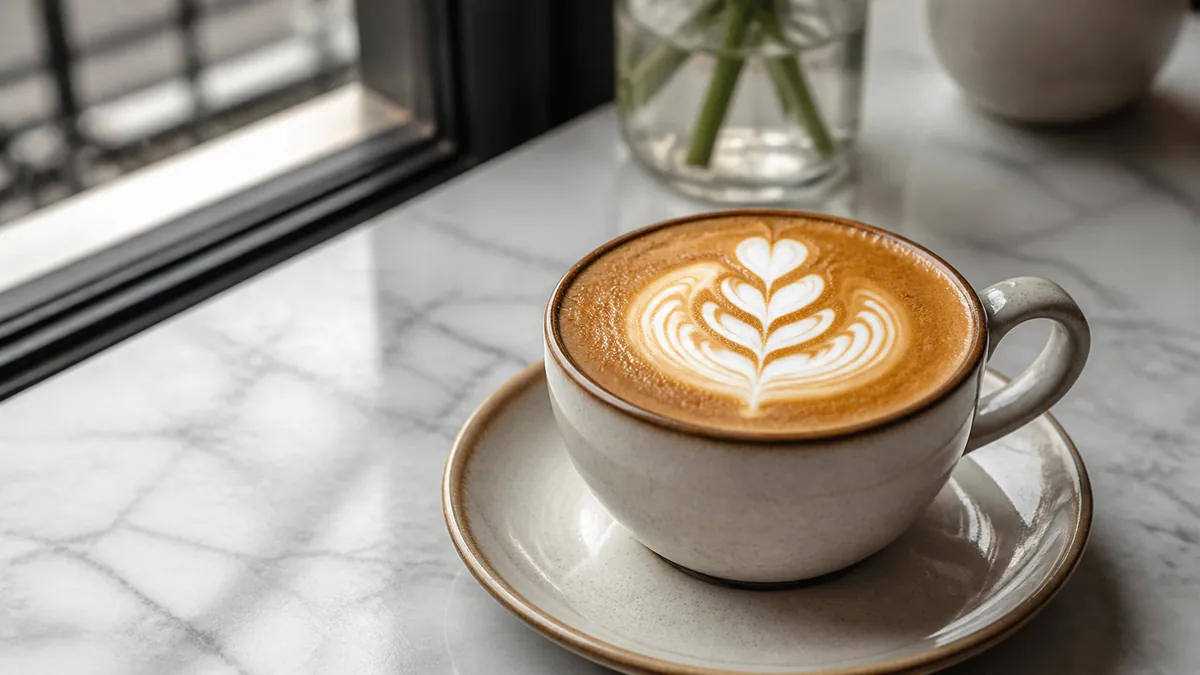
The best restaurants do not "do a photoshoot" once a year and hope it lasts. They treat food photography as a growth system: a fixed station, a recurring schedule, and a consistent look that carries across menus, delivery apps, websites, and social. That system, not a single perfect image, is what keeps their listings looking fresh, professional, and on-brand while competitors' photos go stale. This guide breaks down the three parts of that system so you can run it in-house.
The mindset shift up front: photos are an operational asset you maintain, not a project you finish. Once you run it like prep or inventory, quality stops depending on motivation.
Part 1: Set your standards
Consistency is what separates a professional menu from a pile of random snapshots. Lock three standards and apply them to every dish:
- One default angle. A 45-degree angle works for most plated dishes; overhead works for bowls, pizzas, and platters. Pick a default and a flat-lay exception.
- One background surface. A single board, slate, or tabletop so every photo shares a visual baseline.
- One lighting setup. Soft side light from a window or a panel, the same way every time.
When every photo shares the same angle, surface, and light, your menu instantly reads as one brand. For the dish-by-dish version of these standards, see our professional iPhone food photography checklist.
Standardize the edit, too
Standards do not stop at the camera. The enhancement step (color, exposure, gloss, background, crop) has to be consistent or your photos will drift apart even with identical shooting. The fastest way to guarantee uniform output is to run every photo through the same enhancement pass. FoodPhoto.ai takes a real phone photo of a real dish and applies a clean, consistent correction without changing the food, so dish twelve looks like it belongs with dish one. Try it in the Menu Test Pack.
Part 2: Build the schedule
Top operators are not shooting more than you. They are shooting on a rhythm so nothing goes stale:
| Cadence | Focus |
|---|---|
| Weekly | New items and specials |
| Monthly | Refresh top sellers |
| Quarterly | Full core-menu pass |
A weekly 30-60 minute session keeps the pipeline full: shoot the new special, reshoot anything dated, enhance, and export. This is the same sprint structure that lets a food truck run a no-studio workflow in almost no space, just scaled to your kitchen.
Why a schedule beats a big shoot
A single large shoot produces a burst of photos that all age at the same rate. Six months later, the whole menu looks dated at once. A schedule spreads freshness over time, so your listings always reflect what you are actually serving now. Google and delivery apps reward that recency, and customers trust it.
Part 3: Distribute with the right crops
One enhanced master should feed every channel. The same hero photo needs to work as:
- A square for Instagram and many menu cards.
- A vertical for Reels, Stories, and TikTok.
- Platform-spec crops for DoorDash, Uber Eats, and Grubhub.
- A wide image for your website menu and Google Business Profile.
The trick is to shoot crop-safe (center the hero, leave margin) and then export every size from the single master, instead of re-cropping per platform every week. Our DoorDash + Uber Eats photo requirements guide covers the exact crop logic so one master survives every layout change.
The economics of running it in-house
The reason this matters is cost and speed. A traditional restaurant shoot runs hundreds to thousands of dollars and takes weeks to schedule and turn around. An in-house system shifts you to a few dollars and a few minutes per finished image, which means you can afford to keep every dish current instead of rationing photos to a once-a-year event. The growth comes from frequency, not from one expensive production.
Build a photo station, not a studio
The operators who run this well do not book a studio; they dedicate a small, permanent corner. A "photo station" is just a fixed spot with everything in place so shooting takes two minutes, not twenty:
- A set background board that lives in the same place.
- A window or a single light positioned the same way every time.
- A phone tripod or clamp so framing is identical shot to shot.
- A clean cloth and tweezers for wiping rims and placing garnish.
Because the station never changes, every photo inherits the same light and angle automatically. That is how a busy kitchen produces consistent output without anyone being a photographer. The professional iPhone food photography checklist covers the station-level details.
Assign an owner
A system without an owner quietly dies. Pick one person, often a shift lead or a marketing-minded team member, who is responsible for the weekly pass: shoot, enhance, export, upload. It is a 30-60 minute job, not a full role. The point is accountability: when one person owns the rhythm, photos stay current; when it is "everyone's job," it becomes no one's. Document the standards (angle, background, light, enhancement settings, export sizes) in a one-page guide so the system survives staff changes.
Keep it honest
The one rule that protects the whole system: enhance the real dish, never fabricate one. Photos that oversell lead to disappointed guests and reviews that call out the gap. Accurate, consistent, fresh images are the durable asset; surreal, over-edited ones erode trust fast.
Measure what's working
A growth system improves when you watch the numbers. You do not need a dashboard, just a habit of noticing which photos earn attention. On delivery apps, pay attention to which items get the most orders after a photo upgrade. On Google Business Profile, check which photos rack up the most views. On social, note which dishes drive saves and shares. Over a few months this tells you where to point your weekly sprint: lean into the dishes and angles that perform, and quietly retire the ones that do not. The system gets sharper the longer you run it, because every shoot is informed by the last.
Set your standards, run the schedule, distribute from a single master, and your photos become a quiet growth engine instead of a recurring scramble. When you want a fast, consistent way to standardize the enhancement and export step in-house, see our simple credit-based pricing and turn your weekly shoot into menu-ready images in minutes.
Frequently asked questions
What is a restaurant food photography system?
It is a repeatable process rather than a one-time shoot: a fixed station (same background, angle, and light), a regular schedule for specials and top sellers, and a consistent enhancement and export step so every photo looks like one brand across menus, delivery apps, and social.
How often should restaurants shoot food photos?
Run a weekly pass for new items and specials, a monthly refresh of top sellers, and a quarterly review of the core menu. Small, regular shoots keep your photos current without ever needing a big, disruptive production.
Why does photo consistency matter for restaurants?
Consistent background, angle, light, and color make a menu read as a single professional brand instead of a scrapbook of random snapshots. Consistency builds trust, increases clicks on delivery apps, and makes your listings instantly recognizable across every channel.
Can a small restaurant run a food photography system without a photographer?
Yes. Set one simple station, shoot top sellers on a phone at a fixed angle and light, then use a fast enhancement tool to standardize color, gloss, and crop. The system matters more than the gear, and most operators can run it in-house in under an hour a week.